
How to Do Fairplay Login on Mobile App (Step-by-Step Guide)

Fairplay is one of India’s growing online platforms for sports betting, casino games, and live events. Most users prefer the mobile app over the website because it loads faster, sends notifications, and makes placing bets or checking scores much easier while on the go.
If you are trying to log in to your Fairplay account on the mobile app and are not sure about the process, this guide covers everything — from downloading the app to fixing login errors. Whether you are logging in for the first time or dealing with a problem, you will find a clear, step-by-step answer here.
Quick Answer: Fairplay Mobile App Login Steps
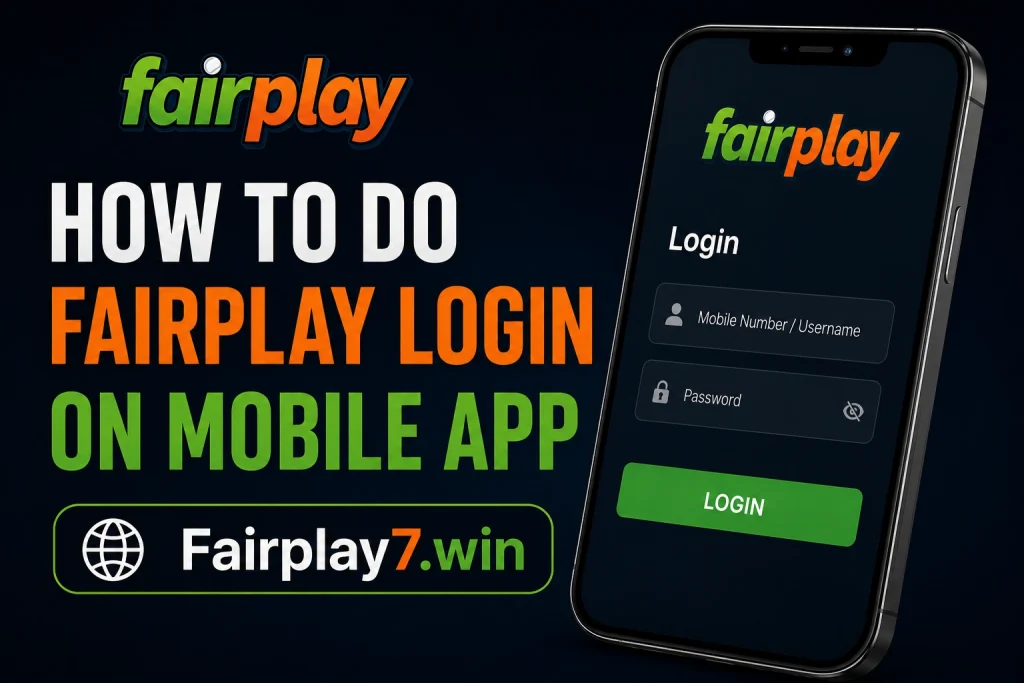
To log in to Fairplay on the mobile app, follow these steps:
- Download the official Fairplay app on your Android or iPhone
- Open the app after installation
- Tap the Login button on the home screen
- Enter your registered mobile number, email, or username
- Type in your password
- Complete OTP verification if prompted
- You will land on your account dashboard
That is the short version. Keep reading if you need help with any of these steps, troubleshooting login errors, or resetting a forgotten password.
Table of Contents
What You Need Before Logging In
Before you tap that login button, make sure you have the following ready:
- An active Fairplay account
- The mobile number, email address, or username you used when registering
- Your account password
- A stable internet connection — mobile data (Jio, Airtel, Vi) or Wi-Fi
- The latest version of the Fairplay app installed on your phone
If you have not registered yet, you will need to create a Fairplay account before you can log in. Registration takes only a couple of minutes and requires a valid mobile number for OTP verification.
How to Download the Fairplay Mobile App
Fairplay does not list its app on the Google Play Store or Apple App Store due to platform restrictions on real-money gaming apps. You need to download it directly from the official Fairplay website.
Android Users
On Android, downloading and installing an APK from outside the Play Store requires one extra step:
- Visit the official Fairplay website on your phone’s browser
- Find the app download link on the homepage or the dedicated app section
- Tap Download APK
- If your phone shows a security prompt about installing apps from unknown sources, go to Settings > Security > Install Unknown Apps and allow permission for your browser
- Once downloaded, open the APK file and tap Install
- The app will appear on your home screen or app drawer
iPhone Users
iPhone users typically use the mobile browser version or can check the official website for any iOS-specific instructions. Apple’s restrictions on third-party installs mean the process may differ depending on your iOS version.
Always download the Fairplay App from the official website only. If you received an APK link from a WhatsApp group, Telegram channel, or an unknown website, do not use it. Fake apps can steal your login details and money.
For complete installation steps, check the official Fairplay app installation guide on their website.
How to Create an Account Through the App
If you do not have an account yet, you can register directly through the app:
- Open the app and tap Register or Sign Up
- Enter your mobile number and create a username and password
- You will receive an OTP on your mobile — enter it to verify
- Fill in any additional details the platform requests
- Your account will be activated once verification is complete
Keep your username and password saved somewhere safe. You will need them every time you log in.
Step-by-Step Fairplay Login on Mobile App
Here is a detailed breakdown of the complete login process:

Step 1: Install and Open the App
Make sure the Fairplay app is installed on your phone. Tap the app icon to open it. The app should load the home screen within a few seconds if your internet connection is active.
Step 2: Tap the Login Button
On the main screen, look for the Login button — usually placed at the top right corner or in the centre of the homepage. Tap it to open the login screen.
Step 3: Enter Mobile Number, Email, or Username
The login screen will show an input field. Enter the mobile number, email address, or username you registered with. Double-check for typos before moving to the next field.
Step 4: Enter Your Password
Type your password in the password field. You can tap the eye icon to reveal the password if you want to check what you are typing. Passwords are case-sensitive, so make sure Caps Lock is off.
Step 5: Tap Login
Once both fields are filled correctly, tap the Login or Sign In button. The app will process your credentials.
Step 6: Complete OTP Verification if Required
Some accounts or devices may trigger an OTP verification step for added security. If prompted, check your registered mobile number for an SMS OTP. Enter it within the validity window (usually 2-5 minutes). If the OTP does not arrive, tap Resend OTP.
Step 7: Access Your Dashboard
After successful login, you will be taken to your account dashboard. From here you can check your wallet balance, browse sports events, access live betting, make deposits, request withdrawals, and manage your profile settings.
For a full walkthrough including screenshots and tips, visit the complete Fairplay login guide. You can also bookmark the official Fairplay Login page for quick future access.
What Happens After Successful Login?
Once you are inside your account, here is what you can do:
- Wallet Balance — See your available funds at a glance from the dashboard
- Deposit Options — Add money to your account using UPI, net banking, or other supported payment methods
- Withdrawal — Request a withdrawal to your bank account or UPI handle
- Sports Section — Browse cricket, football, kabaddi, tennis, and other markets with live odds
- Live Events — Watch live scores or stream events if that feature is available in your account tier
- Account Settings — Update your profile, change your password, or enable security features
- Transaction History — Review your past deposits, withdrawals, and bet history
Fairplay Login Not Working? Fix These Problems
Login issues are among the most common problems users face. Here are the specific causes and their fixes:
Wrong Password or Username
This is the most frequent cause. You may have entered the wrong mobile number format (with or without the country code +91), a typo in your email, or an old password that was changed at some point.
Fix: Double-check your login credentials. Try logging in with your mobile number instead of email, or vice versa. If still unsuccessful, use the Forgot Password option.
OTP Not Received
Sometimes OTPs get delayed due to network congestion, especially if you are on BSNL or in an area with weak signal.
Fix: Switch between Jio, Airtel, BSNL, or Wi-Fi and try again. Check if your inbox is full or if the number you entered during registration is still active. Tap Resend OTP if the timer expires.
Slow Internet Connection
A weak internet connection can cause login pages to fail to load or credentials to not submit properly.
Fix: Switch to mobile data if on Wi-Fi or try a different network. Turn Airplane mode on and off to reset your connection.
App Not Opening
If the app crashes immediately after opening, it may be outdated or there could be a corrupted cache.
Fix: Force close the app, clear the app cache from Settings > Apps > Fairplay > Clear Cache, and reopen. If the issue persists, uninstall and reinstall the app.
Login Page Not Loading
This usually happens when the app cannot reach Fairplay’s servers, possibly due to a local network restriction or the app being blocked.
Fix: Try using a VPN connection. Also check whether the Fairplay website is accessible from your browser — if not, the issue may be on the server side.
Account Temporarily Locked
After multiple failed login attempts, accounts can get temporarily locked as a security measure.
Fix: Wait 15 to 30 minutes before trying again. If the account remains locked, contact Fairplay customer support to get it unlocked.
Server Maintenance
Occasionally Fairplay’s servers go under scheduled maintenance, especially late at night or early morning.
Fix: Check Fairplay’s official social media handles or Telegram channels for maintenance announcements. Try again after an hour.
Session Timeout Issues
If you were logged in and the app shows you as logged out suddenly, your session may have expired.
Fix: Simply log in again. To reduce this, avoid keeping the app idle for long periods without activity.
For more detailed fixes, check these dedicated resources: Fairplay login not working, Fairplay login issues in India, and Fairplay login problem solutions.
How to Reset a Forgotten Password
If you cannot remember your password, here is how to recover your account:
- Open the Fairplay app and go to the Login screen
- Tap on Forgot Password
- Enter your registered mobile number or email address
- You will receive an OTP — enter it to verify your identity
- Set a new password and confirm it
- Log in using your new password
Make sure your new password is strong — at least 8 characters with a mix of letters, numbers, and symbols.
If you are unable to access your registered number or email, contact support directly. See the full Fairplay forgot password page or the Fairplay account recovery guide for more options.
Security Tips for Safe Mobile Login
Your account holds real money. Keep it safe with these habits:
- Use a strong, unique password — avoid birthdays, phone numbers, or common words
- Never share your OTP with anyone, including people claiming to be from Fairplay support
- Download the app only from the official Fairplay website
- Enable biometric login (fingerprint or Face ID) if the app supports it — it is faster and more secure
- Lock your phone with a PIN or pattern to prevent unauthorised access
- Do not create multiple accounts — this goes against Fairplay’s terms and can lead to permanent suspension
- Avoid logging in on public Wi-Fi networks at cafes or airports
- Log out of the app if you are using a shared device
⚠ WARNING: Never download Fairplay APKs from WhatsApp groups, Telegram links shared by strangers, or unknown websites. These are almost always fake apps designed to steal your login credentials and funds. Only trust the official website.
Mobile App Login vs Website Login
Not sure whether to use the app or the website? Here is a quick comparison:
| Feature | Mobile App | Website |
| Loading Speed | Faster (native) | Slightly slower |
| Push Notifications | Yes | No |
| Convenience | One-tap access | Browser needed |
| Security | Biometric login | Password only |
| Accessibility | Offline partial | Internet required |
| Best For | Regular users | Occasional access |
For most users who play regularly, the mobile app is the better option. The website is handy when you do not have the app installed or are on a desktop computer.
Common Mistakes Users Make During Fairplay Login
Avoid these errors to save yourself frustration:
- Entering the mobile number with a space or incorrect country code format
- Using an old password after having reset it previously
- Waiting too long to enter the OTP, causing it to expire (typically valid for 2-5 minutes)
- Installing an unofficial APK that looks identical to the real app but does not connect to the real server
- Multiple failed login attempts in quick succession, triggering the account lock
- Forgetting which email or phone number was used at the time of registration
When to Contact Support
Most login issues can be resolved by the fixes above. However, reach out to Fairplay’s customer support if:
- Your account is locked and cannot be unlocked after waiting
- You no longer have access to your registered mobile number
- You suspect your account has been accessed without your permission
- Your password reset OTP is not arriving despite trying multiple times
- There is an unexplained deduction from your wallet after a login error
Contact the team through the Fairplay customer care page for live chat, email, or WhatsApp support options.
Conclusion
Logging in to Fairplay on the mobile app is straightforward once you have the official app installed and your credentials ready. The key steps are — open the app, tap Login, enter your mobile number or email, enter your password, and verify OTP if required.
If you run into problems, the troubleshooting section above covers the most common causes and fixes specific to Indian users. Always use the official app, keep your password secure, and never share your OTP with anyone.
Manage your account carefully, keep your contact details updated, and you should have a smooth experience every time you log in.
Frequently Asked Questions
Q: How do I login to Fairplay using my mobile number?
A: Open the Fairplay app and tap the Login button. On the login screen, enter your registered mobile number in the input field along with your password. If your account has OTP verification enabled, you will receive a one-time code via SMS — enter it to complete the login and access your account dashboard.
Q: Why is the Fairplay app login not working?
A: The most common reasons are a wrong password or username, a slow or blocked internet connection, an outdated app version, or temporary server maintenance. Try clearing the app cache, switching networks, or reinstalling the app. If your account is locked after multiple failed attempts, wait 30 minutes before trying again.
Q: Can I use the same Fairplay account on multiple devices?
A: Yes, you can log in to your Fairplay account on different devices using the same credentials. However, most platforms only allow one active session at a time. If you log in on a new device, your previous session on another device may be ended automatically. Avoid sharing your login details with others.
Q: How do I reset my Fairplay password?
A: On the login screen, tap Forgot Password and enter your registered mobile number or email. You will receive an OTP for identity verification. After entering the OTP, you can set a new password. Choose something strong and unique, then log in again with your new password to confirm everything is working.
Q: What should I do if I do not receive an OTP?
A: First, check that your registered mobile number is active and has network signal. Try switching from Wi-Fi to mobile data, or change between Jio, Airtel, or BSNL. Tap Resend OTP on the app if the timer runs out. If the problem continues after a few attempts, contact Fairplay customer support for manual verification assistance.
Q: Is Fairplay mobile app login secure?
A: Yes, Fairplay uses OTP-based two-factor verification and encrypted connections for account access. To keep your account secure, download the app only from the official website, use a strong password, enable biometric login if available, and never share your OTP with anyone — including